You haven't signed in yet, you can have a better experience after signing in
*Please complete the payment within {{receiveCouponInfo.expire_at}}Previous use*
You haven't signed in yet, you can have a better experience after signing in



Activity Rules
1、Activity time:{{ info.groupon.start_at }} ~ {{ info.groupon.end_at }}。
1、Activity time:cease when sold out。
2、Validity period of the Group Buying:{{ info.groupon.expire_days * 24 }} hours。
3、Number of Group Buying:{{ info.groupon.need_count }}x。
Please Pay Attention
1、Teamwork process: Join/initiate a Group Buying and make a successful payment - Within the validity period, the number of team members meets the activity requirements - Group Buying succeeded!
2、If the number of participants cannot be met within the valid period, the group will fail, and the paid amount will be refunded in the original way.
3、The number of people required and the time of the event may vary among different products. Please pay attention to the rules of the event.
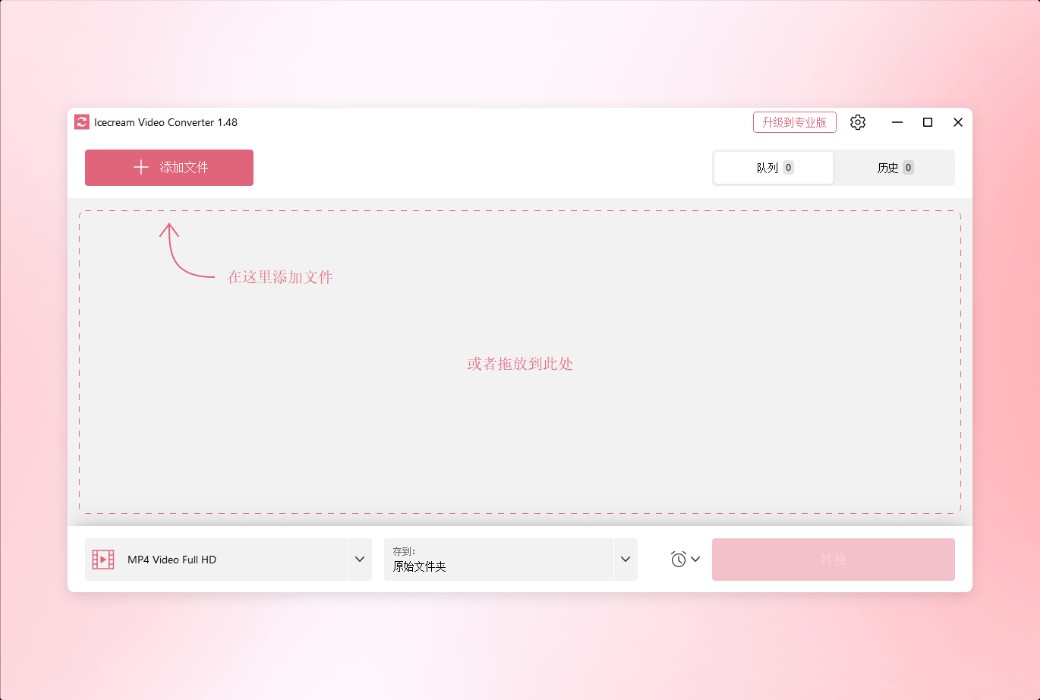
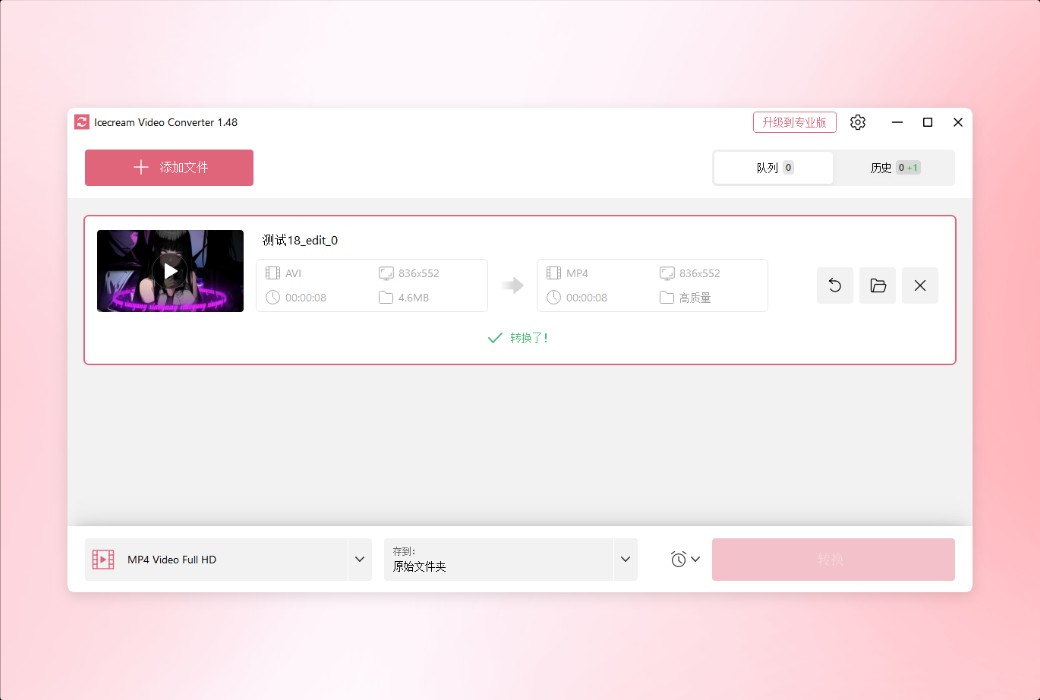
Introducing Icecream Video Converter - a brand new professional Windows video converter. Through a user-friendly graphical interface, you can easily convert various video files.
Main functions
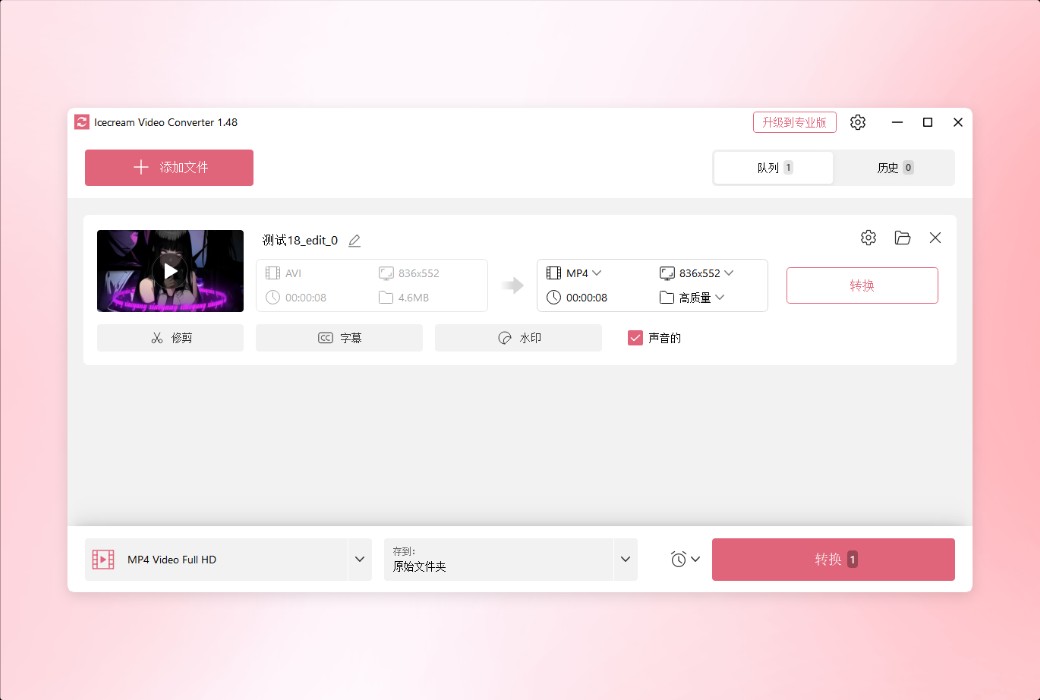
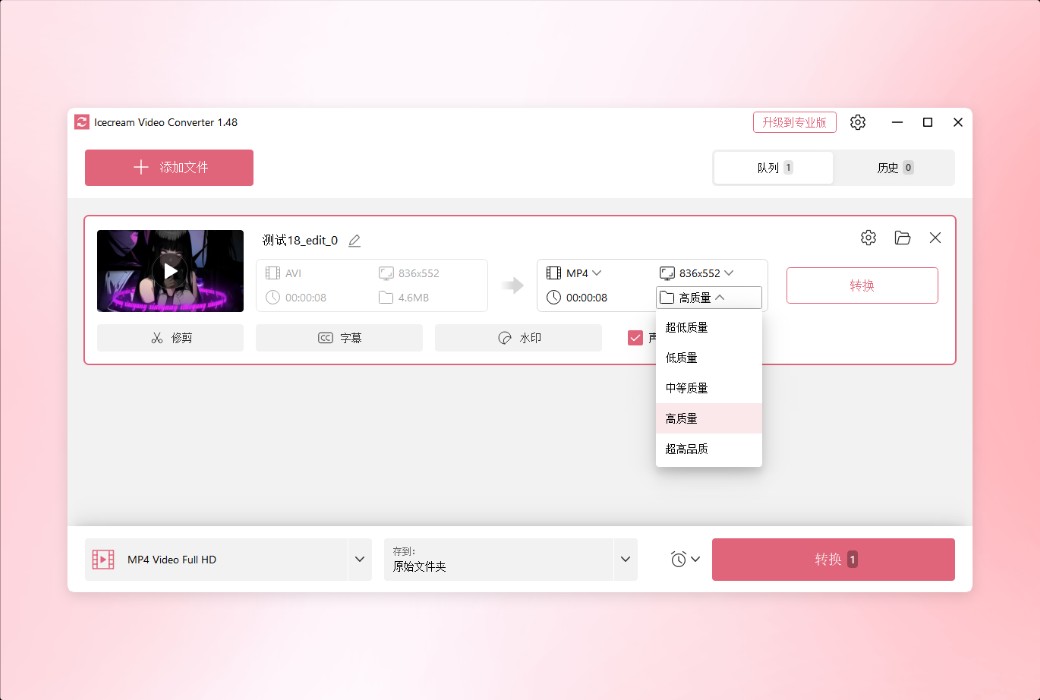
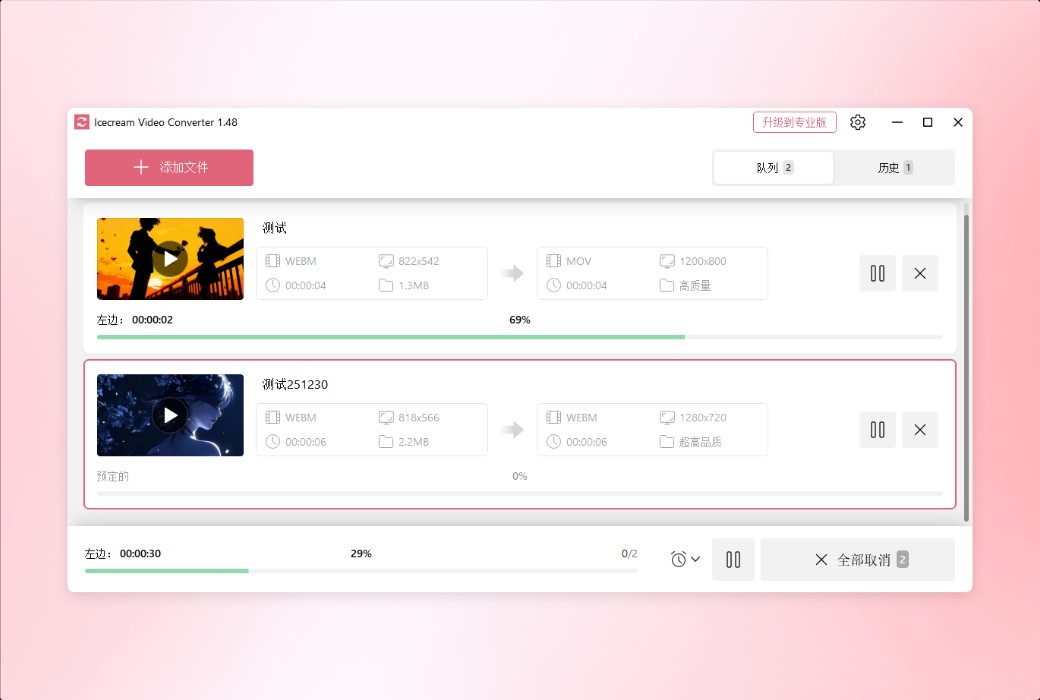
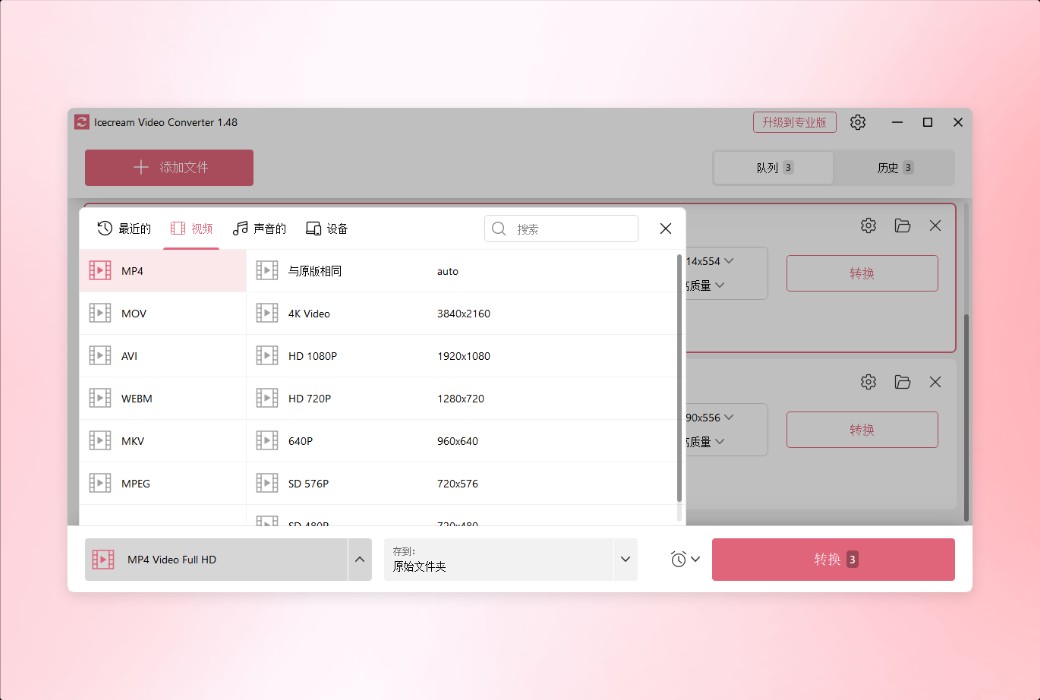
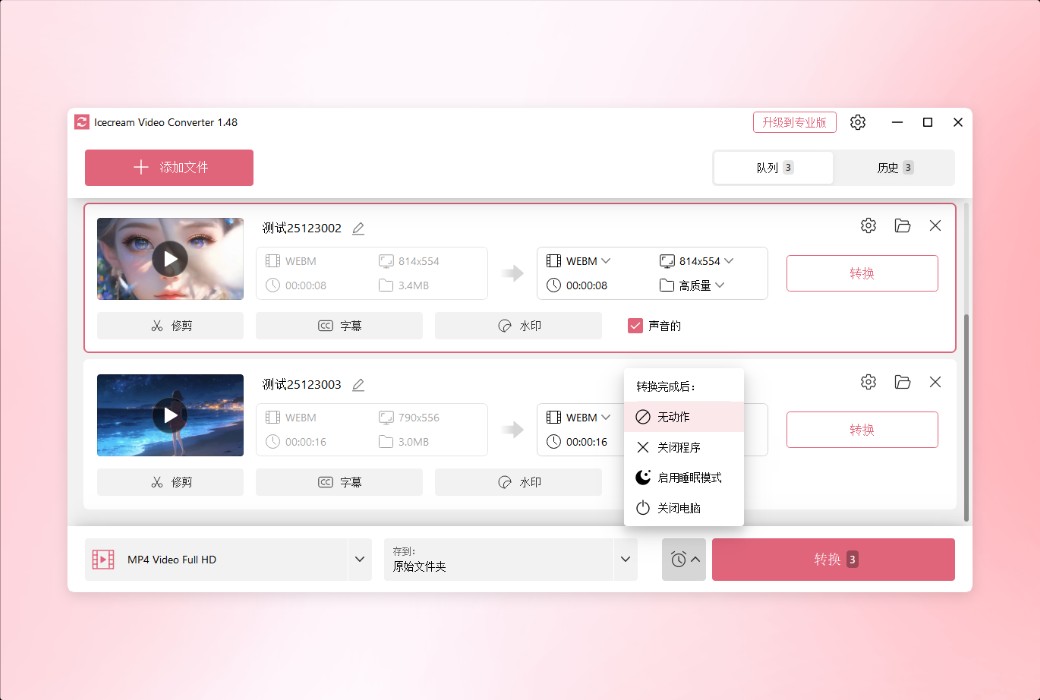
Add multiple files to the conversion queue and batch change video formats with just one click. If necessary, the output settings can be applied to all files. You can still choose to convert videos one by one.
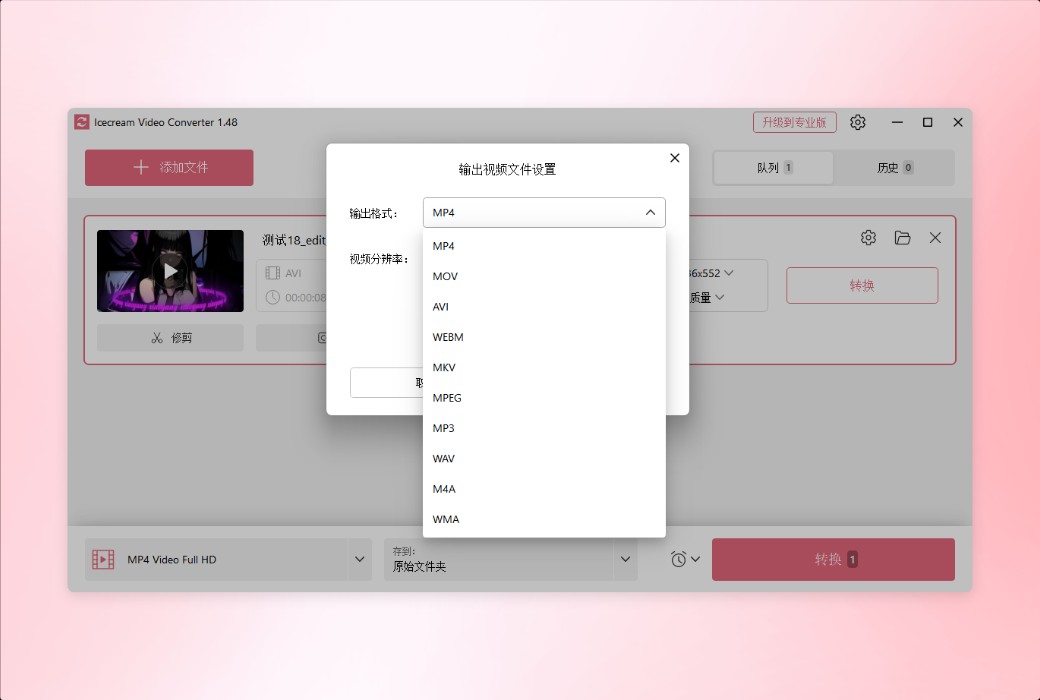
The video converter supports all the most popular video formats: MP4, AVI, MKV, 3GP, WMV, MOV, M4V, MPG, M2TS, MTS, etc.
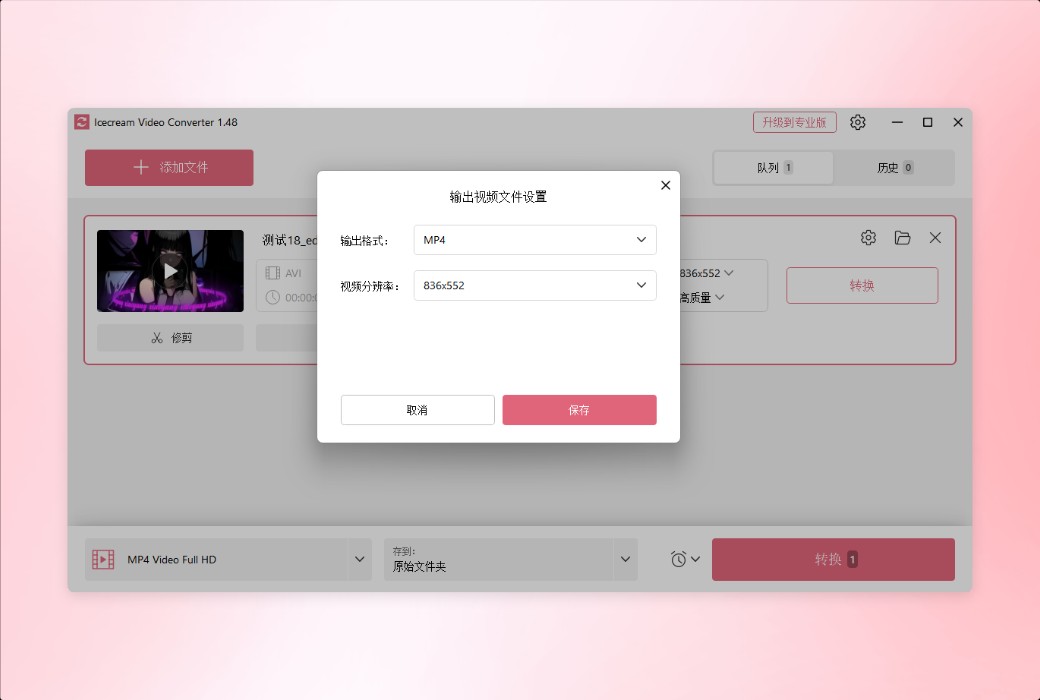
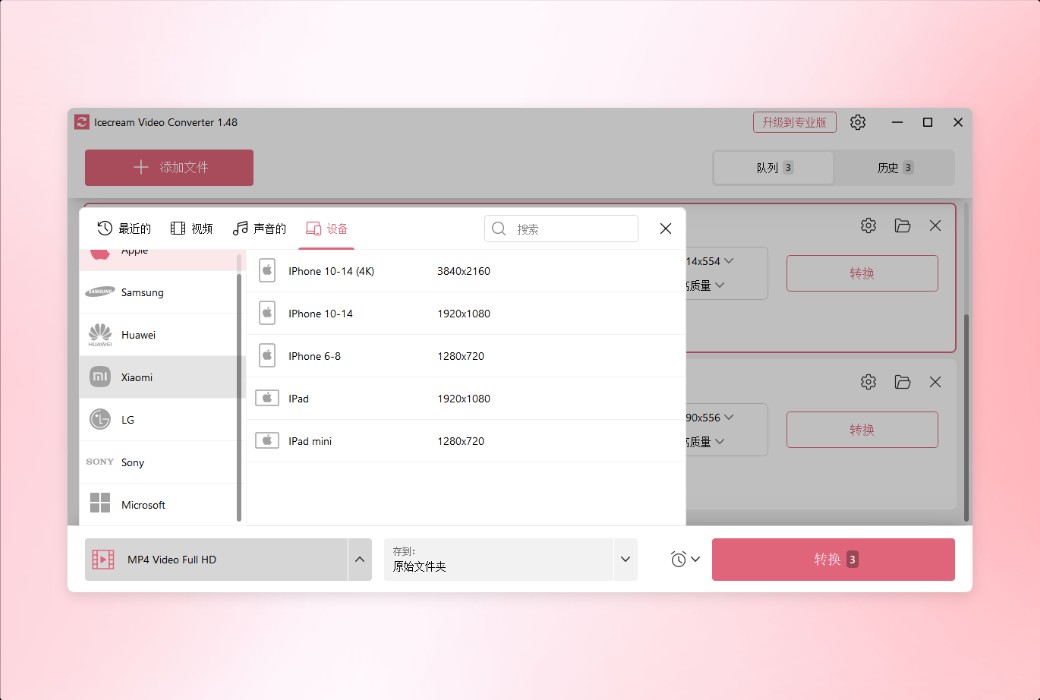
Not sure about the format, resolution, or other settings of the output file? You can convert videos based on built-in presets such as iPad, iPhone, Android, PS5, etc.
Features
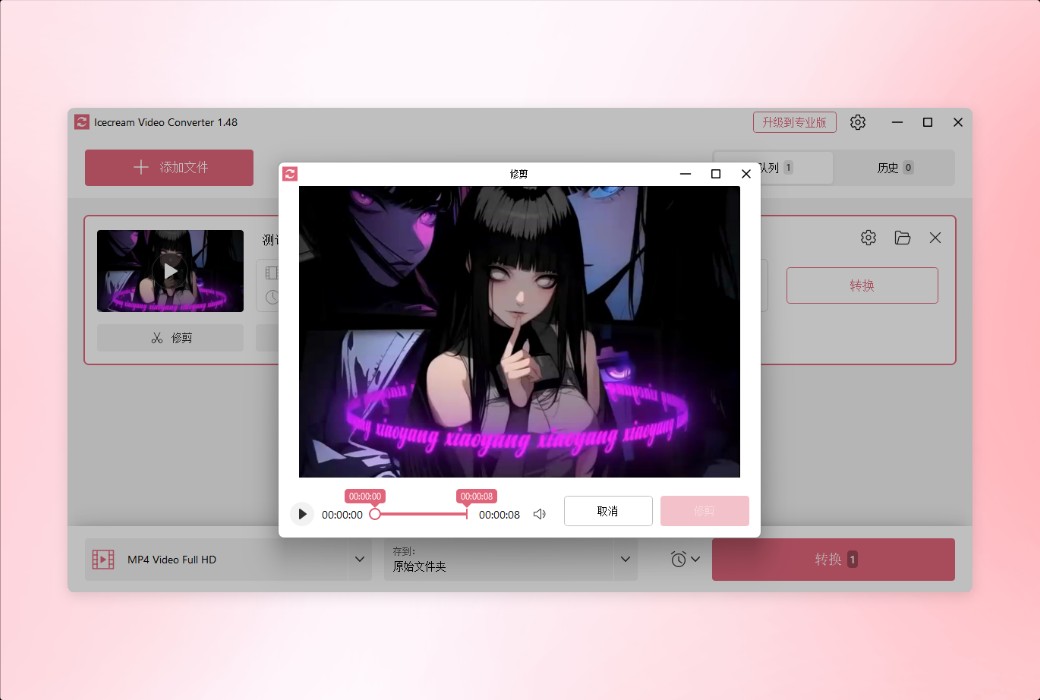
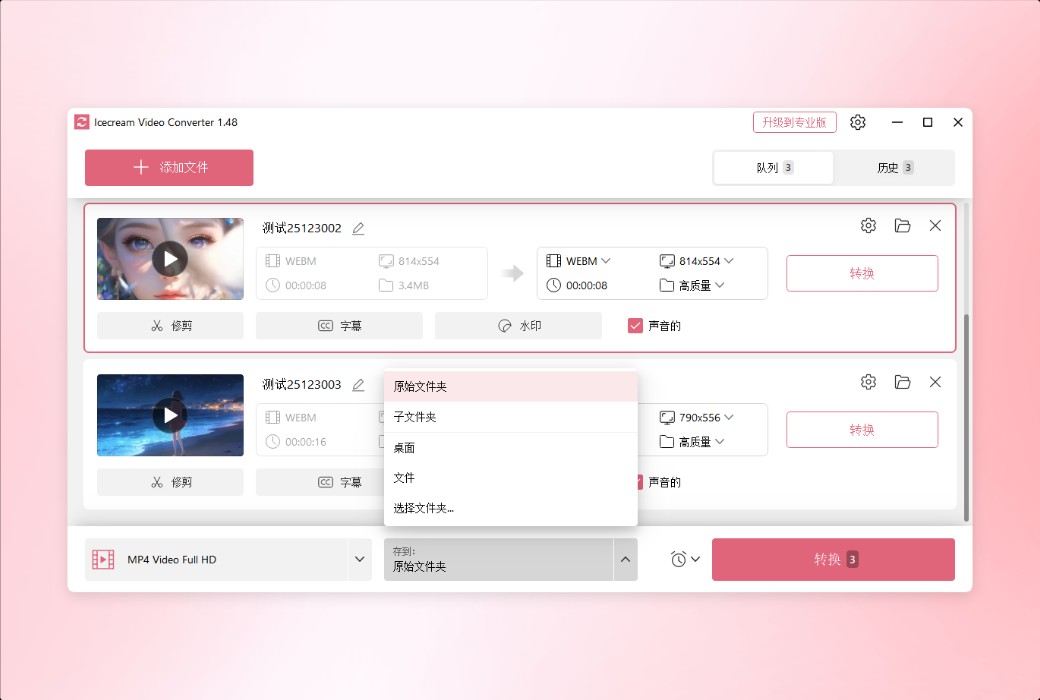
If you only need to convert a part of the video, there is no need to install additional video editing software. You can directly edit videos in the graphical user interface of the video file converter and select specific clips to convert.
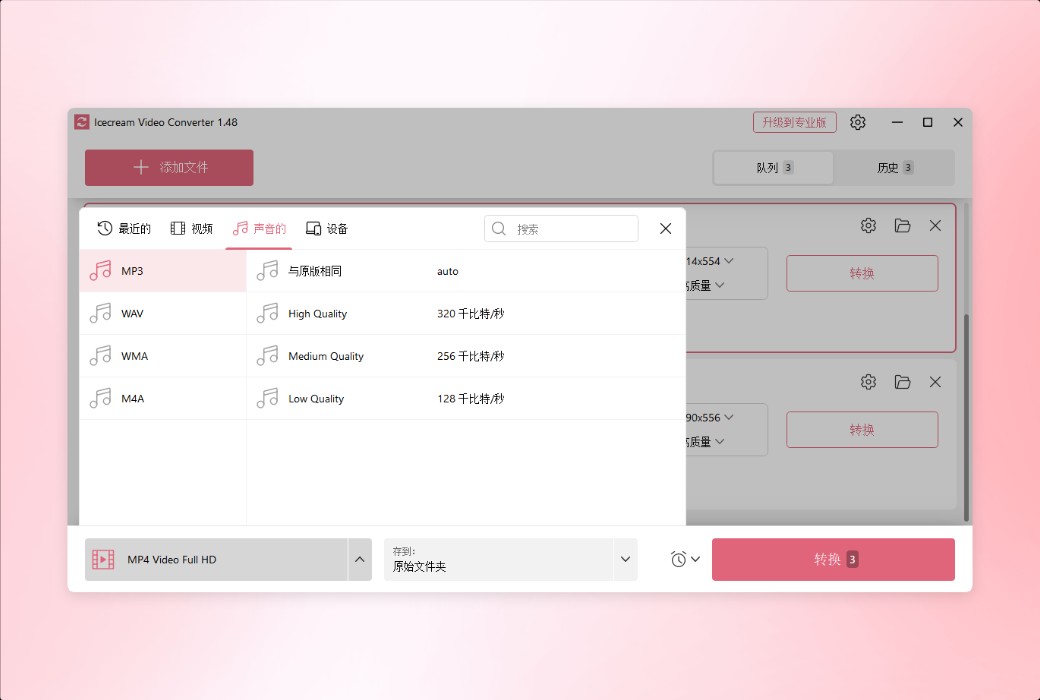
Icecream Video Converter also supports converting videos to audio. You can export the audio track or background music of the video to MP3 format.
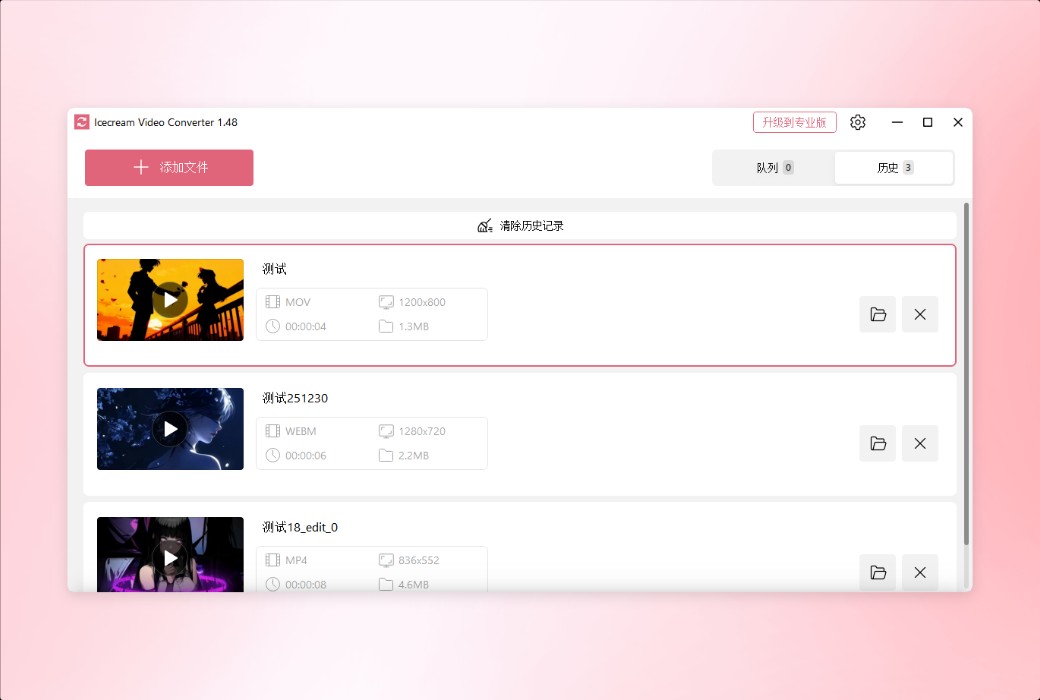
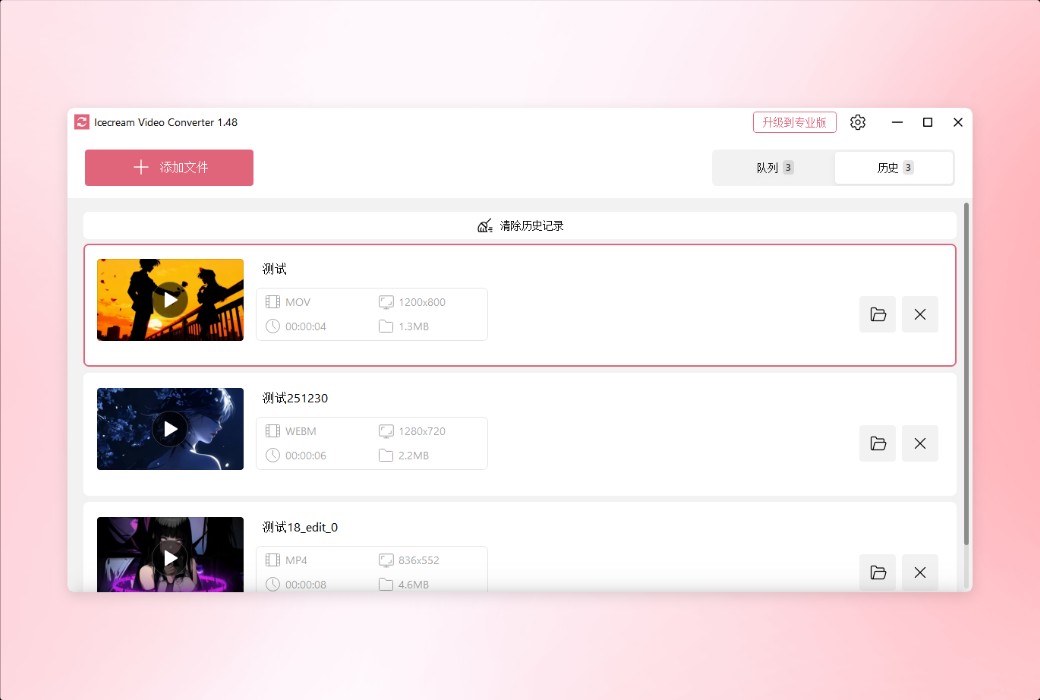
All previously converted files are conveniently stored in the "History" section of the program. Manage your conversion files like a professional.
You can use a video converter to perfectly compress files. Just set the required file compression level in the conversion queue.
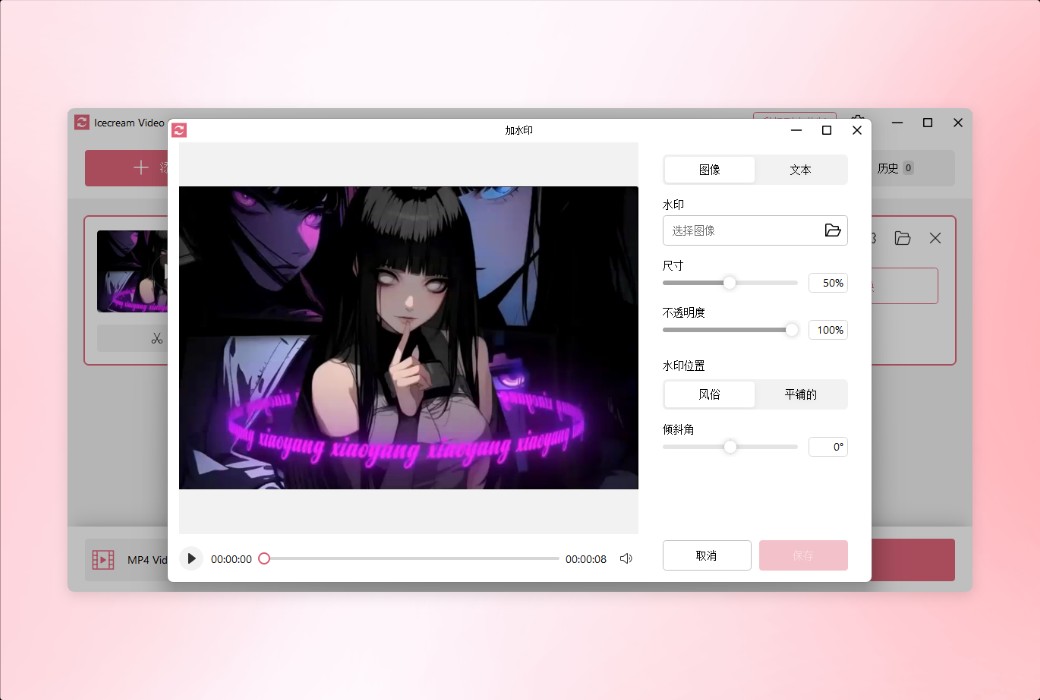
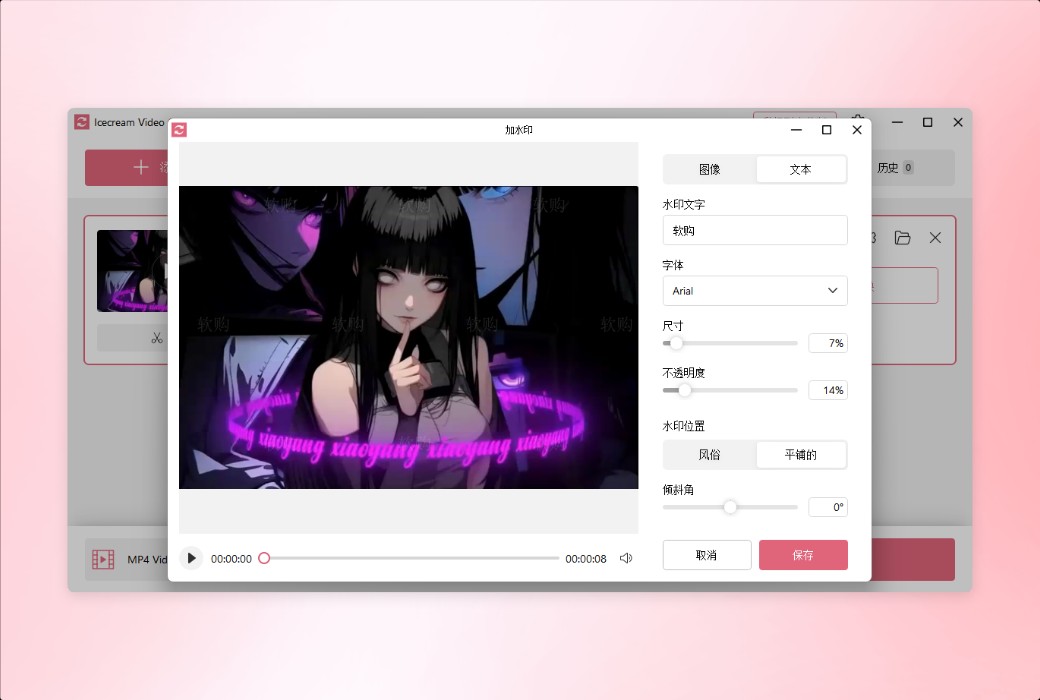
Easily add custom watermarks to your output videos. You can use images or text as watermarks and set their size, transparency, angle, etc.
Another convenient feature of the video converter: simply click the mouse to turn off the sound in the converted video file.
Official website:https://icecreamapps.com/Video-Converter/
Download Center:https://icecream-video-converter.apsgo.cn
Delivery time:Manually process shipments online
Operating Platform:Windows
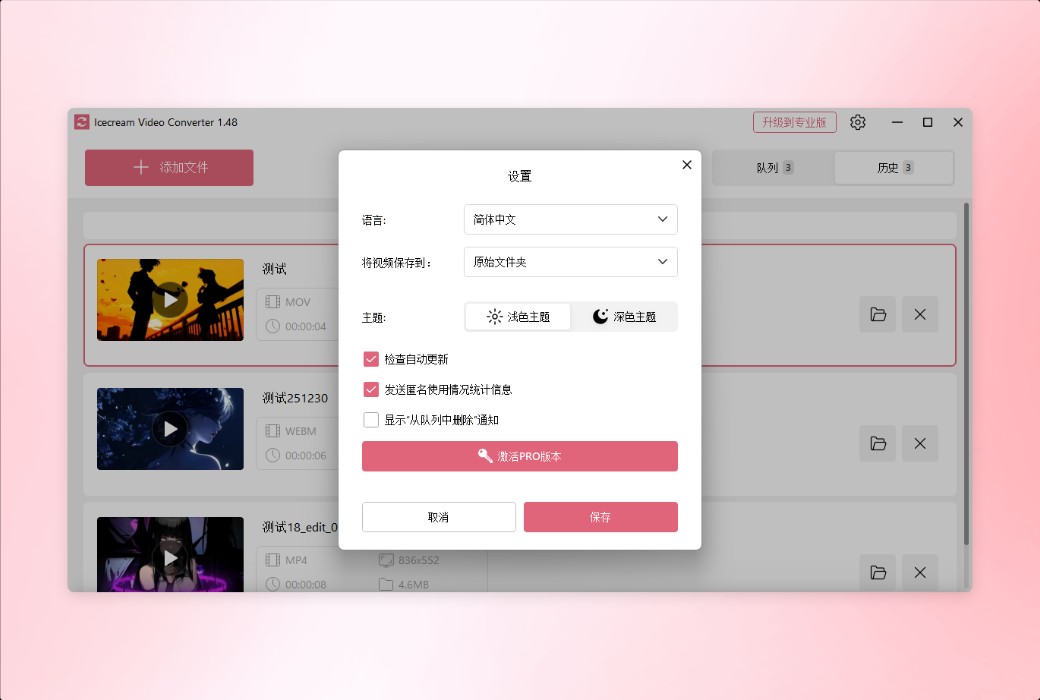
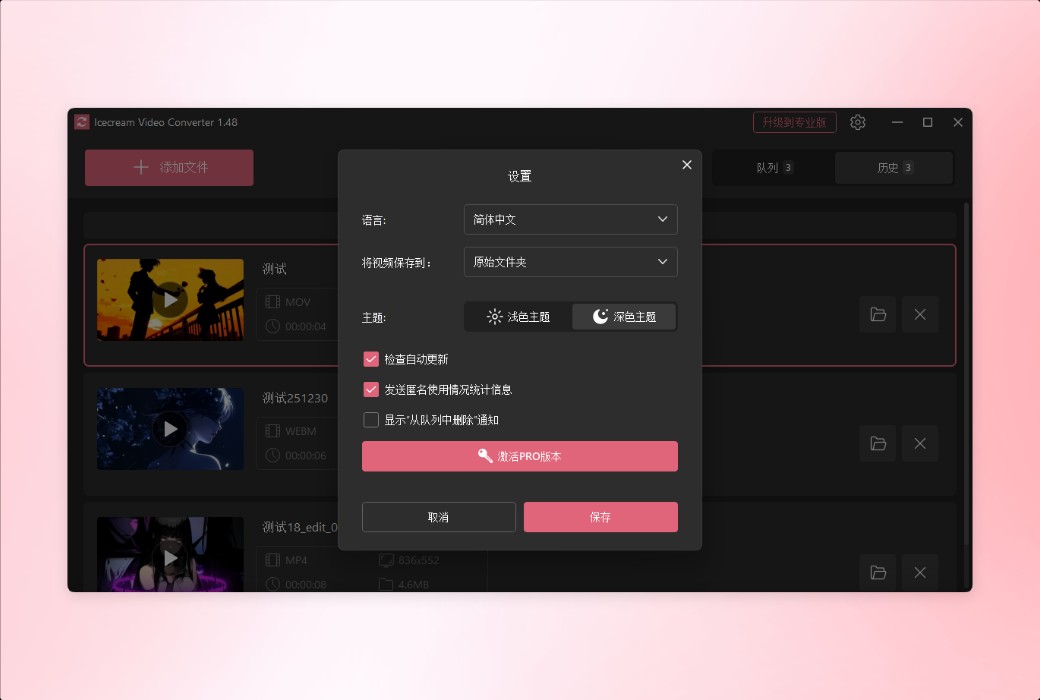
Interface language:Supports Chinese interface display and multiple language options.
Update Description:Use and update during the subscription period.
Trial before purchase:Free trial is available before purchase.
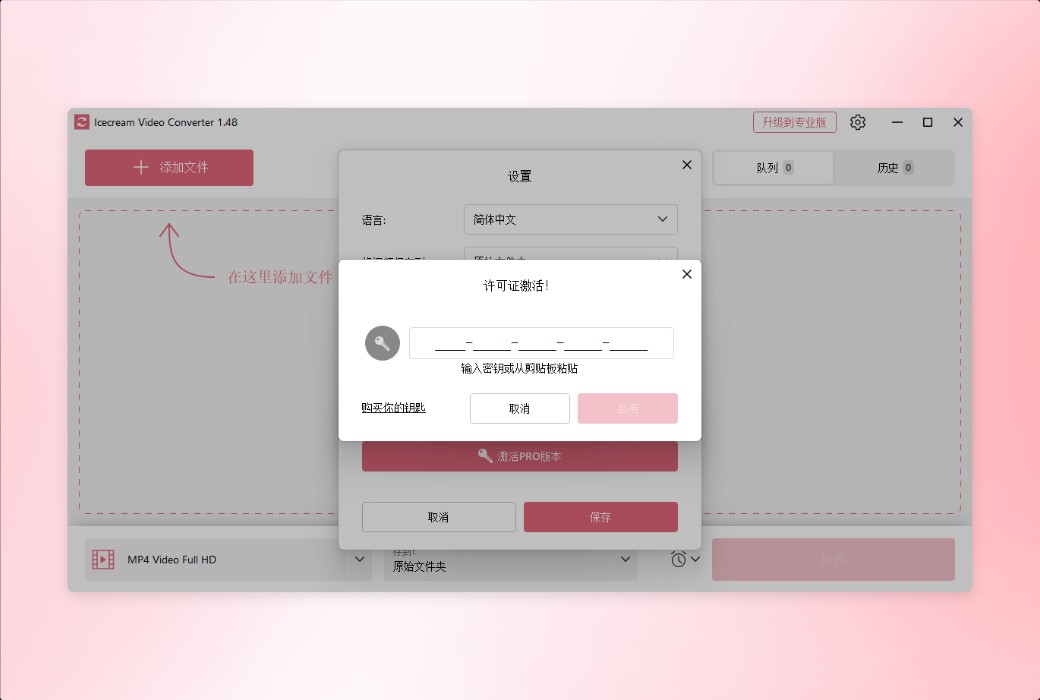
How to receive goods:After purchase, the activation information will be sent to the email address at the time of placing the order, and the corresponding product activation code can be viewed in the personal center, My Orders.
Number of devices:Can install one computer.
Replace computer:Need to contact the official for manual transfer.
Activation guidance:To be added.
Special note:To be added.
reference material:https://icecreamapps.com/Video-Converter/

Any question